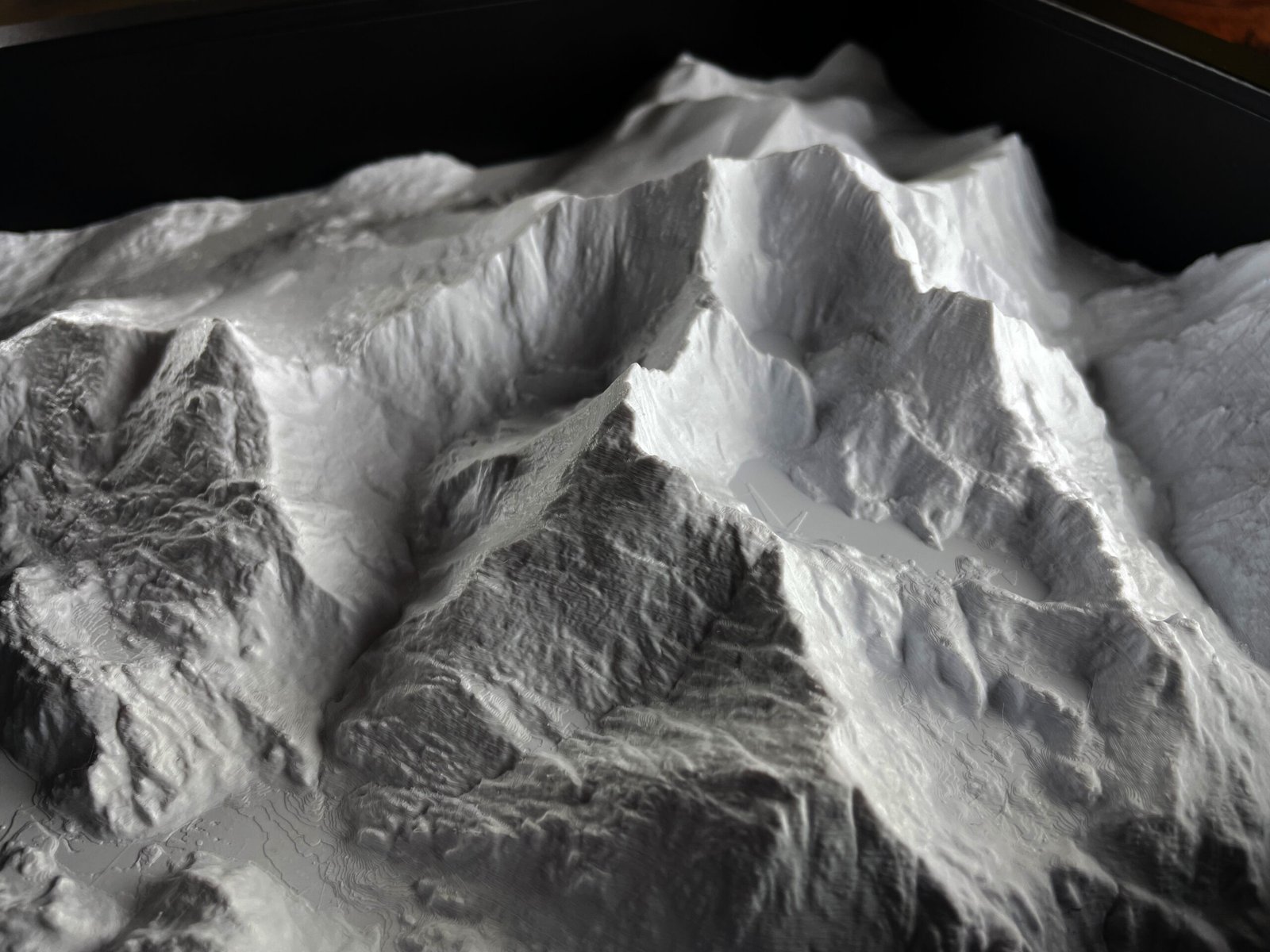

The area you choose has more effect on a custom topographic model than almost any other decision. A good boundary gives important features room to read while keeping the model focused.
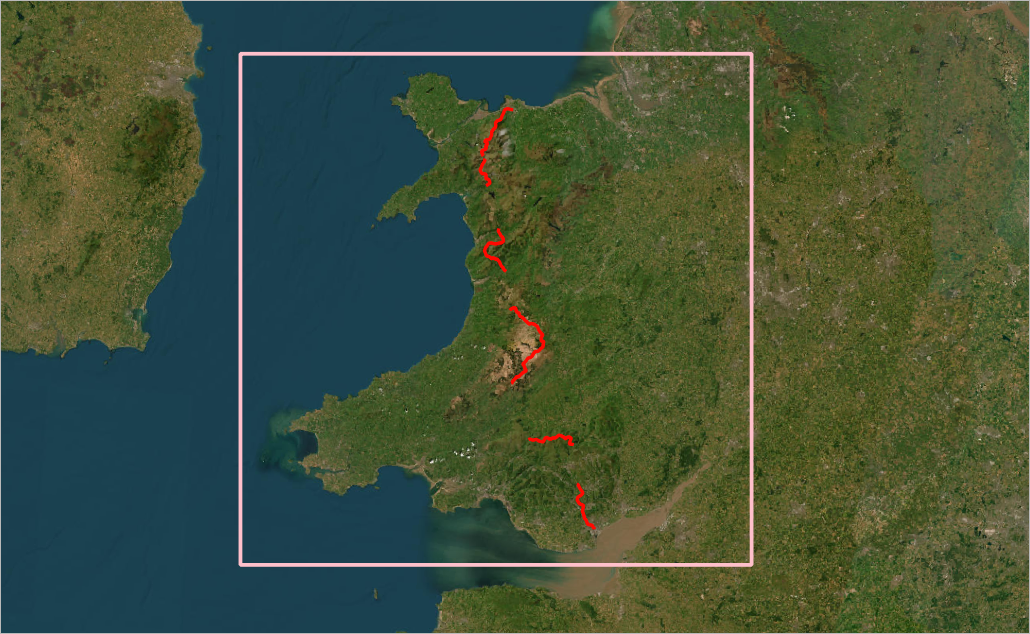
Begin with the story
Decide what the model should communicate. It may mark a home and surrounding hills, follow a walking route, show an estate, or explain a development site. List the two or three places that must appear. These become the anchors for the crop.
Balance coverage and detail
A fixed-size model has a finite amount of space. If you include a whole county, individual streets and buildings will be very small. A tighter crop can show local valleys, ridges and settlement patterns more clearly. For subtle lowland terrain, a focused area is usually more effective than a very wide view.
Choose a useful boundary
You can supply a postcode, coordinates, a marked-up screenshot or a GPX file. Routes benefit from some landscape on either side so the terrain explains why the path follows its line. For a property or planning site, include enough surrounding context to show access, slopes and neighbouring features.
Think about orientation and format
Square models suit compact areas. Rectangular formats often work better for linear valleys, coastlines and routes. Consider where the finished piece will be displayed and whether north must be at the top. The crop can be adjusted to suit the landscape instead of following an arbitrary map sheet.
Ask what data can show
Terrain relief comes from elevation data. Buildings, roads and other surface features require suitable source data and enough physical scale. If one feature is critical, mention it at the start rather than assuming it will appear automatically.
Approve before printing
A digital proof lets you check the boundary, orientation and composition before production. For a personal landscape, start with the custom 3D topographic model. For a route, use the custom trail model. Larger organisational projects are covered by our professional service.